How to check the battery health of a used smartphone: tips for buyers
Buying a used smartphone requires careful inspection, as a worn-out battery can significantly affect device performance.
 💡Tech
Photo: UNIAN
Key points
- Inspecting physical condition of the case and screws
- Using system settings for diagnostics
- Risks of installing non-original batteries
The market for pre-owned gadgets remains a popular way to save money, but buyers often risk getting a device with hidden defects. The most vulnerable element of a used smartphone is the battery, the condition of which directly affects the autonomy and stability of the system.
What to look for during inspection
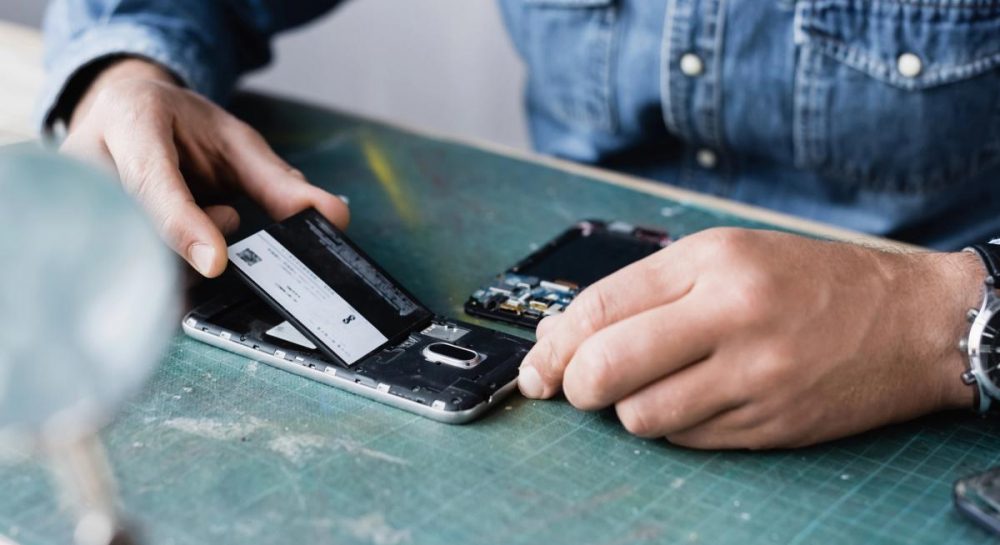
Before closing a deal, experts advise not to limit yourself to just the appearance of the screen or buttons. It is important to carefully inspect the case for uneven gaps or poor display fit, which may indicate unqualified repairs or a swollen battery. It is also worth checking the screws on the bottom edge: the presence of scratches or traces of a screwdriver is a red flag.
- Check the "Parts and Service History" section in iPhone settings.
- Request documents confirming battery replacement at authorized service centers.
- Avoid devices with cheap non-original components that can cause overheating.
Modern smartphones, particularly Samsung and Google Pixel, have built-in tools for diagnosing component health. Using these functions helps avoid purchasing a gadget that will require expensive repairs just a few weeks after purchase.
Source UNIAN — unian.ua/techno/gadgets/yak-pereviriti-akumulyator-u-vzhivanomu-tel… ↗
Read next
 🚨Events
Electricity Restored in Rivne Region After Russian Attack
Electricity has been restored in the Sarny district of the Rivne region after a Russian attack. The head of the Rivne Regional Military Administration, Oleksandr Koval, a…
 🎭Culture & Sport
Autumn Rose Care: Pruning Tips for Chortkiv Gardeners
Experts explain why it is best to avoid radical pruning of roses until steady frosts arrive.
 🛡️Security
Estonia affirms Ukraine's right to self-defense following incident in the Gulf of Finland
Estonian Foreign Minister Margus Tsahkna stated that the strike on a Russian vessel is a consequence of Russian aggression, supporting Ukraine's right to defend itself.
 🛡️Security
Elderly woman rescued from rubble in Dymer: death toll rises
Search and rescue operations continue in the Kyiv region following a drone strike on a residential building. The death toll from the attack has reached nine.
 🛡️Security
Russian corvette reportedly hit by Ukrainian drones in Libya
A Russian military corvette, the 'Mercury', was severely damaged by an explosion in the port of Benghazi, with sources suggesting a potential Ukrainian drone strike.
 🛡️Security
Russia tests NATO defense algorithms through airspace violations, says Dmytro Kashchenko
Military expert Dmytro Kashchenko suggests that Russian incursions into NATO airspace are calculated probes of the Alliance's eastern flank readiness.